
The Snags in Using the Systeme.io Blog as Your Homepage
The Snags in Using the Systeme.io Blog as Your Homepage
An Unpleasant Discovery
Over the weekend my boyfriend discovered that the link behind the logo on my Systeme site pointed to a homepage that isn't set up. Today I'm figuring out why, and fixing it.
What the Problem Looks Like
When you look at any of my Systeme sites, you see this logo at the top left of the page:
And in pretty much any normal website, when you click the website logo, it takes you back to the homepage of that website.
However, when I clicked on that logo on this very website you're reading now, it took me to this crappy page at a domain I haven't even set up:
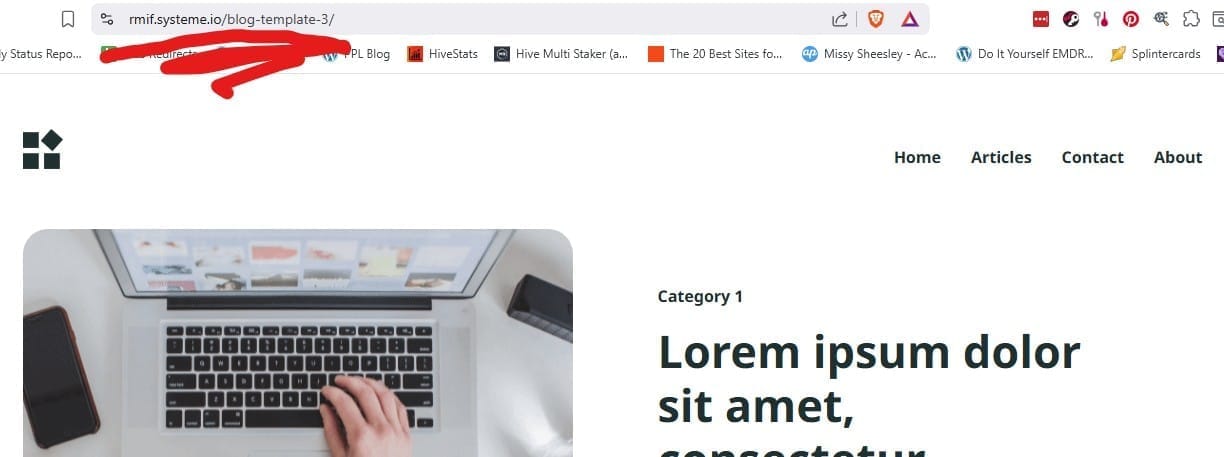
So of course I'm thinking...

...because I KNOW I set up the blog homepage to look like the first shot, and told Systeme that the blog was the main page of my site. I even blogged about it here!
Fixing the Problem
So I went into my DED.com subaccount in Systeme, went to the Blog page, and clicked on Blog Layout. Clicking on the header image revealed that this was somehow set to be my homepage! 🤦🏻♀️
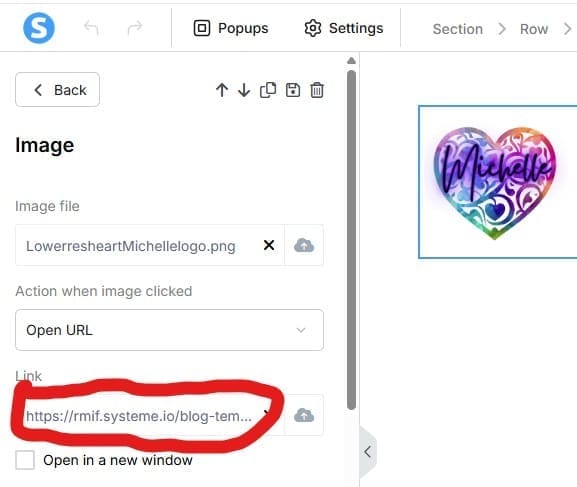
Thankfully, once found, this was easy to set to my actual homepage, and be done. But I made sure to make this same edit to all my other Systeme sites/subaccounts as well, because apparently their default is to use the blog template as your homepage link.
The OTHER Problem
Unfortunately, there was still another issue with my site. You see, I went to use the amazing power of Google search on my site, to find a particular post, but when I used the super-secret trick of putting "site:https://www.dopamineequalsdone.com" in front of my search term, it came back with NOTHING.
Apparently Systeme makes your entire website undiscoverable by search engines by default.
While I kind of understand this (you might want to hide your site from the masses while you build it out), I DO think this should be more intentional, rather than the default.
How to Make Your Systeme.io Website Visible to Search Engines
Thankfully this was another easy fix, but I'm still annoyed that I had to do it.
You have to open your blog, click on the Blog Layout button, click on Settings at the top left, scroll down to the Search Engine Optimization (SEO) section, and uncheck the "Hide from search engines" option. Shew!

This site contains affiliate links; if you purchase from a site linked on this page, I may earn a small commission, at no additional cost to you.


